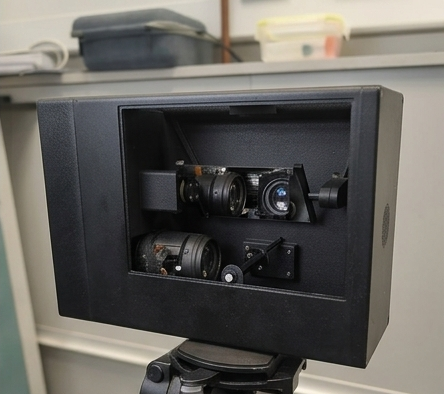
DART-Mo is only half of the system. The hardware steers light and holds the camera still — but the part you actually operate is DART Live, the software that turns it into a working capture instrument.
One app, the whole capture loop
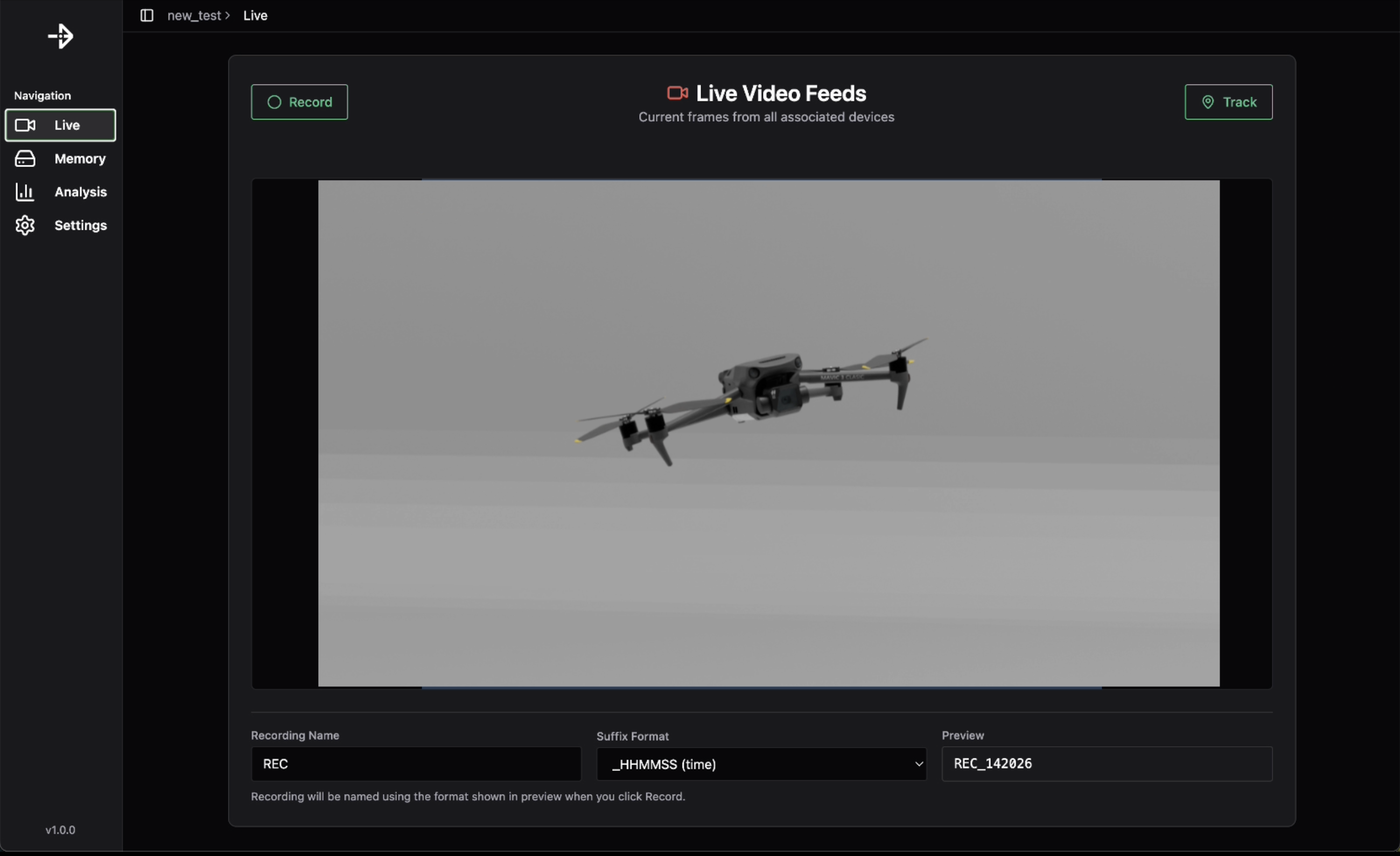
DART Live runs the entire workflow from a single window: connect to your motion-capture system, choose a target, set up tracking, and control the camera. When the capture is done, the same app plays it back and exports the footage and data. The walkthrough below shows it driving a capture from start to finish.
Set up tracking
DART Live connects to the motion-capture system you already run — OptiTrack, Vicon or Qualisys — over your local network and subscribes to its live tracking stream. A one-time calibration aligns DART-Mo's coordinate system with your capture volume. From there you pick any tracked body or marker set, and DART-Mo re-aims the line of sight to follow it.
Control the camera
Zoom, focus and exposure are all set from the app. As the subject moves, the mirrors keep it centred while focus adjusts continuously to hold it sharp — so the framing you set is the framing you get for the whole capture, not just the parts an operator managed to anticipate.
Capture, play back, export
Record clips, then review them in the same window — scrub frame by frame to find the moment you need. When you are ready, export the footage and the tracking data together, in formats your analysis pipeline can read.
- Real-time tracking — configure and adjust how DART-Mo follows a target as you capture.
- Camera control — zoom, focus and exposure, all from the app.
- Capture and playback — record clips and review them frame by frame.
- Export — footage and tracking data, ready for analysis.
Runs on your machine
DART Live is available for macOS, Windows and Linux, so it fits whatever the rest of your lab already runs — and it ships with every DART-Mo unit.